
How to Pay With Binance and USDT (Step by Step)
Pay for an account with USDT (TRC20) from Binance and get it right away — no wallet top-up.
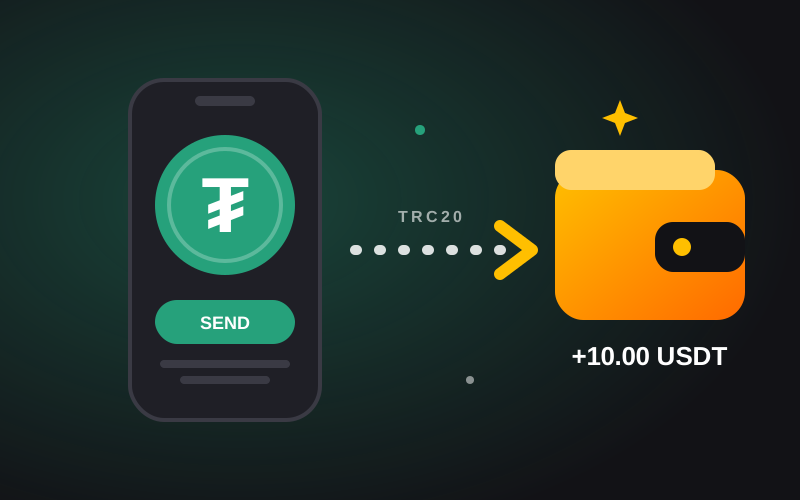
There is no wallet to fill first. You pay for each account right on its page, and we confirm the payment on the blockchain by ourselves. Here is how.
1. Pick an account and press Buy now
Open the account you want, choose how many, and press Buy now. The page shows the exact USDT amount and the address to send it to.
2. Send USDT on the TRC20 network
In Binance open Withdraw → USDT, choose the TRC20 network, paste the address and send the exact amount. Binance adds its own network fee, so make sure the address receives the full amount. Other networks can lose the funds.
3. Paste the TXID
In Binance open Transaction history, copy the TxID of your withdrawal and paste it on the product page. No screenshot is needed.
4. Get your account
Once the payment shows on the blockchain (usually 1–3 minutes) the account is delivered on your order page. If you sent a little extra, it stays as credit for your next purchase.
Browse accounts from trusted shops with buyer protection.